Upload a 2D vector drawing, choose the material and receive the quote by email. We mill wood panels and MDF with shapes, pockets and engravings at different depths. For a different material, a large piece or one to develop together, write to us.
01
The file
Upload a vector file in format AI, DXF, EPS or SVG, laid out on the format templates, up to 10 MB. The file name must not contain spaces and the extension must be lowercase. Below you will find templates and colour conventions to set up your drawing. All files are covered by our privacy policy.
02
Material and thickness
Choose material and thickness from those in the catalogue. They are examples: we also work with other materials, including ones you supply. In the materials catalogue you will find technical data sheets and sample photos.
03
Quote and production
Click “Get the quote”. You receive the quote by email, usually within one working day. If the file can be improved for milling, we tell you along with the quote.
Standard production takes 7 working days. You can collect from the workshop with no shipping costs. Full details are in production and shipping times.
Login
Register
Which process to choose
Milling is often chosen for thickness, but every piece has its own process. Panels with straight cuts, like those of a speaker cabinet or a piece of furniture, are cut to size faster and for less. Thin shapes and fine details come out more precise with a laser. If you're not sure what suits your project, send us a sketch or a photo before preparing the file: we'll tell you how best to make it.
Materials for CNC milling
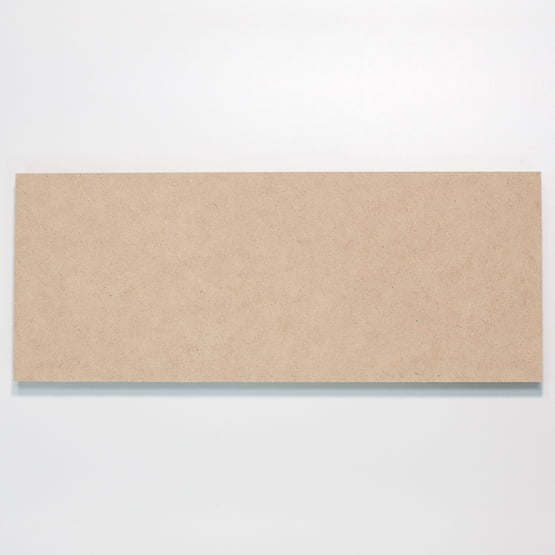
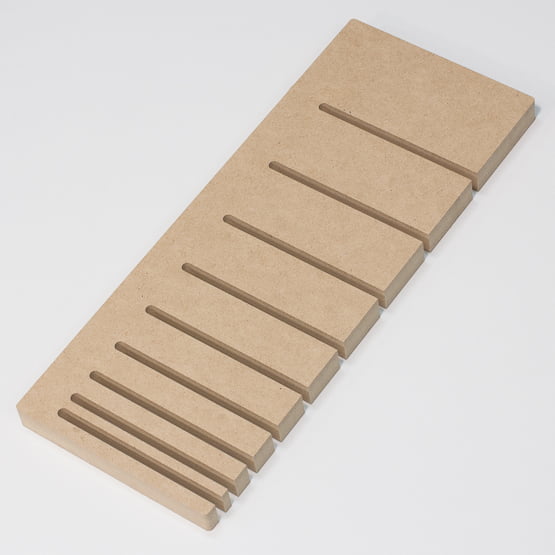
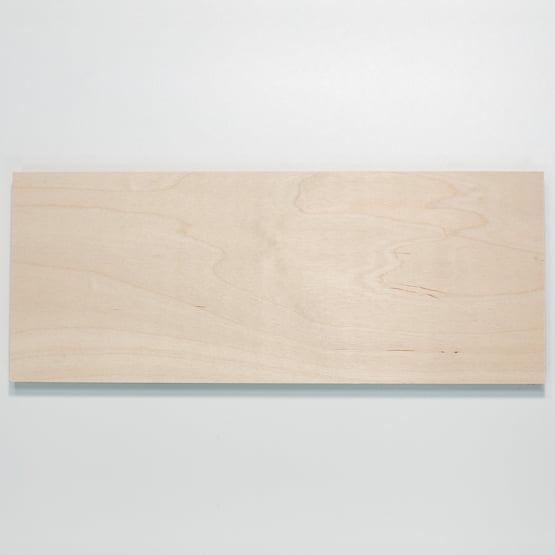
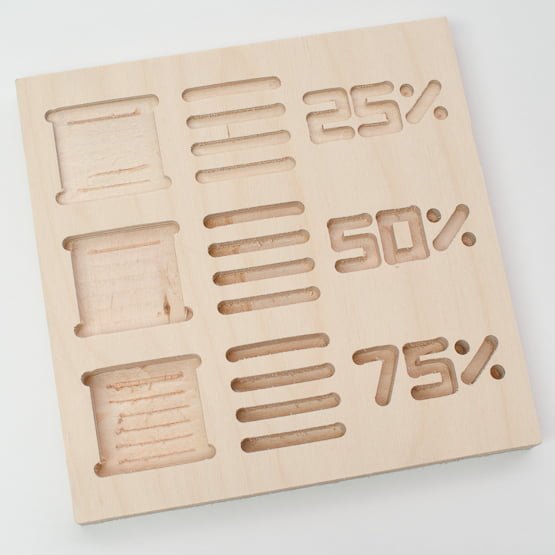
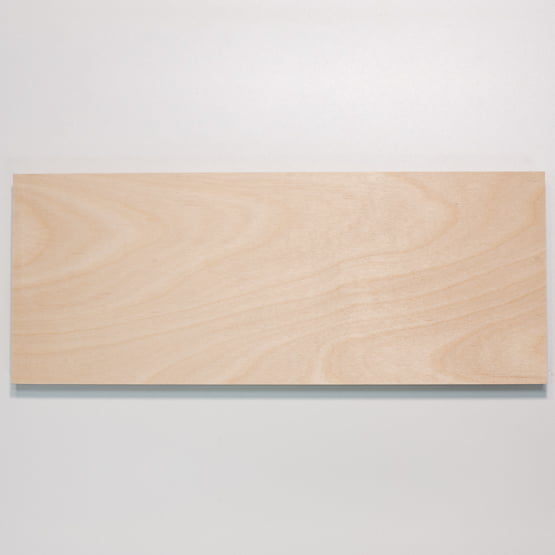
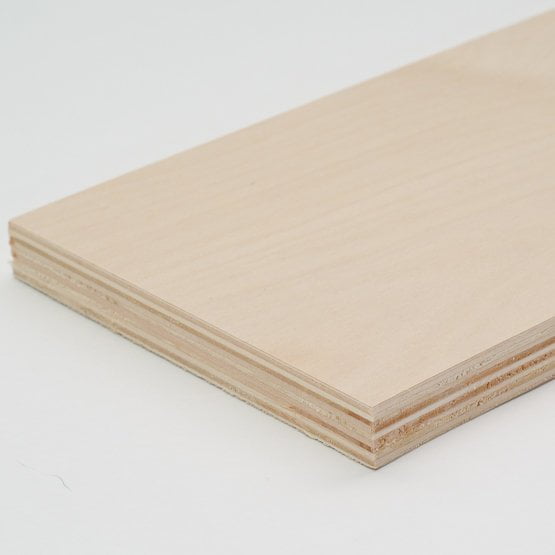
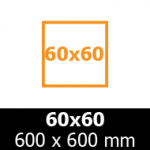
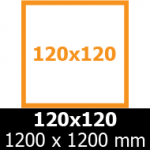
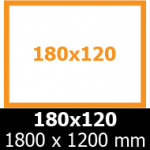
MDF (10 to 25 mm), birch plywood (15 and 18 mm) and poplar plywood (10 to 30 mm), in sheets of 60 × 60, 120 × 120 and 180 × 120.
Other materials
The catalog is a starting point: we also work with OSB, Valchromat, acrylic, D-bond and materials supplied by clients. Write to us about what you need to make and we'll assess it together.
Material formats
Lay out your artwork to make the best use of the sheet you have chosen (60×60, 120×120 or 180×120).
Templates and color conventions
Prepare your file according to these simple Starter Kit guides, pasting your design onto our template.




In the workshop
To see material samples, talk about a project or collect an order.